


Product Details
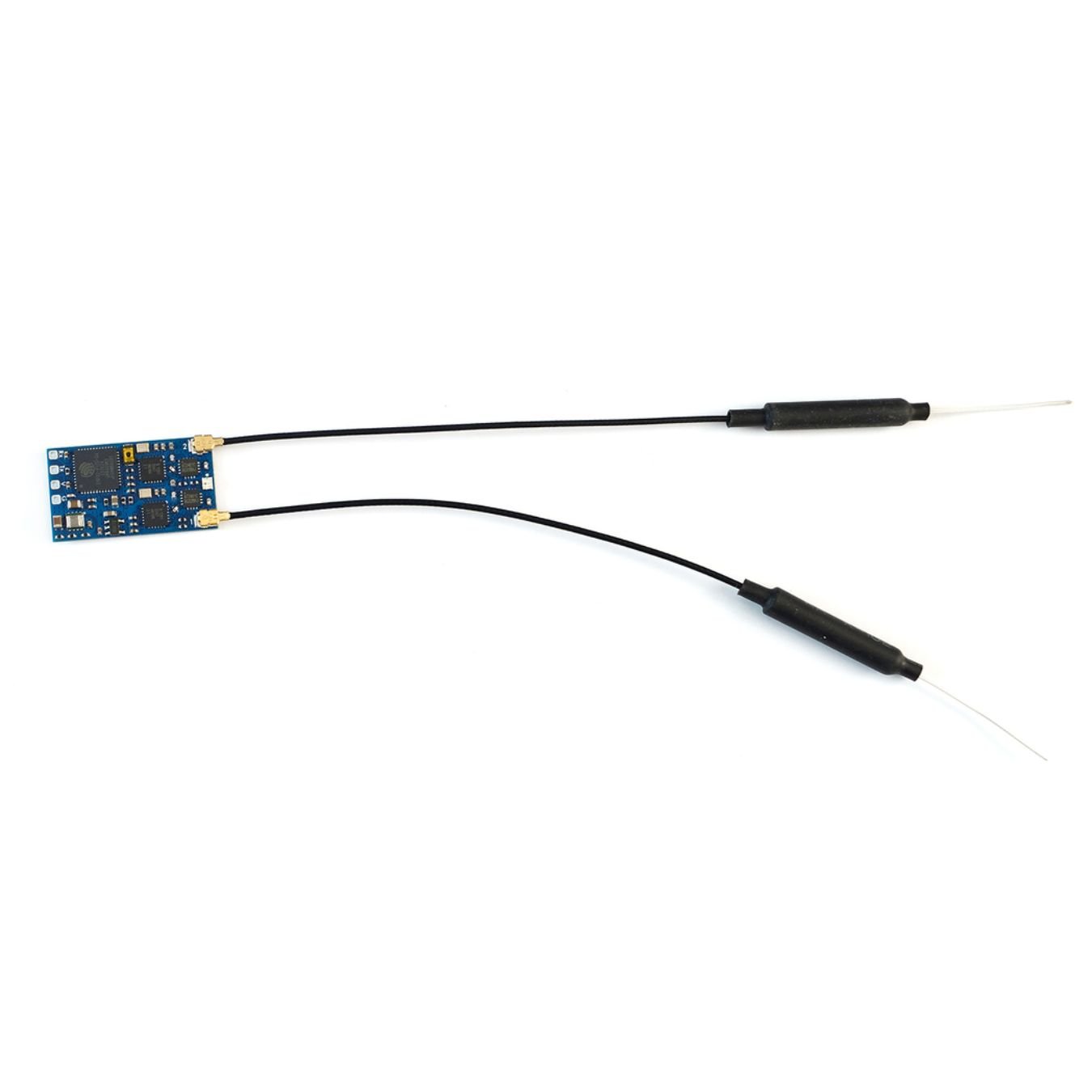
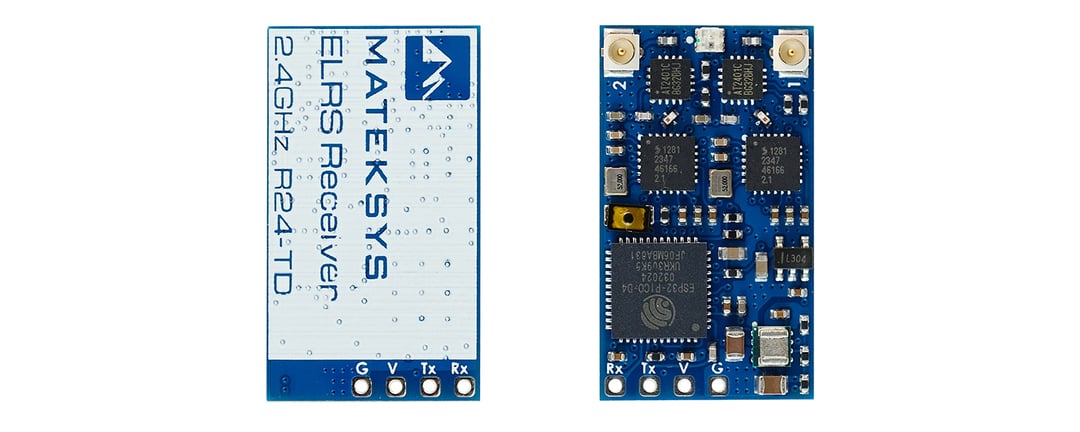
Transform your RC experience with the cutting-edge Matek ExpressLRS/ELRS 2.4GHz True Diversity Receiver, R24-TD, a high-performance receiver designed for enthusiasts demanding precision and reliability. Powered by the robust ESP32-PICO-D4 chipset and SX1281 radio, this receiver ensures a seamless, interference-free connection over the 2.4GHz ISM frequency band.
Key Features:
- High Power Output: Features a PA/LNA AT2401C with a telemetry power of 20dbm (100mW), optimizing range and signal strength.
- Advanced Diversity System: Incorporates true diversity technology to significantly enhance reception and minimize signal dropouts.
- Versatile Connectivity: Supports CRSF protocol and includes dual IPEX MHF-1 antenna connectors, ensuring flexible antenna placement and superior reception.
- Compact and Lightweight: With a PCB size of just 28mm x 16mm and weighing a mere 4 grams with the antenna, it's built for minimal impact on your drone's performance.
- Multiple Firmware Options: Comes preloaded with ExpressLRS 3.3.2 firmware, supporting various configurations and customizations.

Specifications
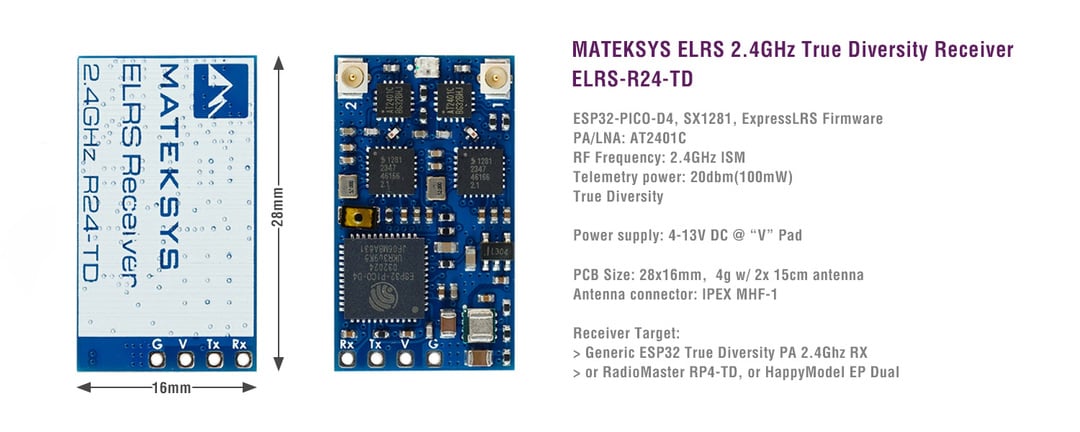
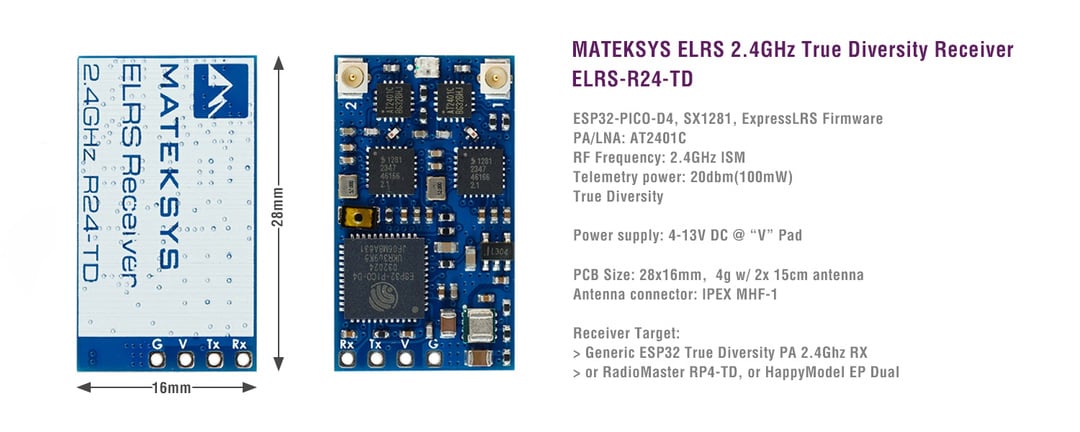
- ESP32-PICO-D4, SX1281, ExpressLRS Firmware
- PA/LNA: AT2401C
- RF Frequency: 2.4GHz ISM
- Telemetry power: 20dbm (100mW)
- True Diversity
- Receiver protocol: CRSF
- Antenna connector: IPEX MHF-1
- Power supply: 4-13V DC @ "V" Pad
- Power dissipation: 100mA~170mA@5V IN
- PCB size: 28mm x 16mm
- Weight: 4g w/ antenna
-
Packing:
- 1x ELRS-R24-TD
- 2x IPEX MHF1 Antennas. 15cm
RGB LED Status
- [Rainbow fade effect], Starting Up
- [Green heartbeat], Web update mode enabled
- [Slow blink 500ms on/off ], Waiting for connection from transmitter
- [Red flashing 100ms on/off], Radio chip not detected
- [Orange Double blink then pause], Binding mode enabled
- [Orange Triple blink then pause], Connected to transmitter but mismatched model-match configuration
- [Solid single color Connected to a transmitter], color indicates packet rate
- in Boot mode, RGB LED doesn't light up.
Firmwares
- ExpressLRS, wiki, Click HERE
- Receiver Target: Generic ESP32 True Diversity PA 2.4Ghz RX /or RadioMaster RP4-TD /or HappyModel EP Dual
- Any of variants based on Target " Generic ESP32 True Diversity PA 2.4Ghz RX" can be flashed.
- Receiver has ExpressLRS 3.3.2 preloaded with binding phrase "123456", the Receiver will never enter binding mode if using the traditional binding procedure.
- You need to reflash it with your binding phrase OR connect it to your PC/phone via WiFi and set your binding phrase in WebUI.
Tips
- Full Resolution Switch Configuration Modes
- Powering receiver with Reverse Voltage will damage the regulator chip. DOUBLE CHECK the power wires connected to the receiver.
Flashing via Wifi
- Power on receiver. RGB LED Rainbow fade effect at first, then Slow blink 500ms on/off. after 20s, Green blink indicating it's on Wifi Hotspot Mode.
- Wifi SSID "ExpressLRS RX", Password "expresslrs"
- More detailed steps, pls refer this page .
Flashing via UART
- Wire the receiver into the USB-TTL adapter, with TX on receiver connected to the Rx on the USB-TTL, and RX on receiver connected to the Tx of the USB-TTL. Wire 5V and GND of the USB-TTL to 5V and GND of the Receiver.
- Press the boot button while powering on the receiver, then release - the RGB LED will not turn on.
- In Configurator, Select the target Generic ESP32 True Diversity PA 2.4Ghz RX, or RadioMaster RP4-TD, or HappyModel EP Dual and " UART " for Flashing Method, set your bind phrase and Firmware Options , Check " erase before flash " and " Force FLash ".
- Web-flasher https://expresslrs.github.io/web-flasher/