
Buying guide / FPV goggles
How to choose FPV goggles
Match your goggles to the video transmitter or air unit on your aircraft first. Then compare fit, display and power requirements. Sharing a frequency does not make two video systems compatible.
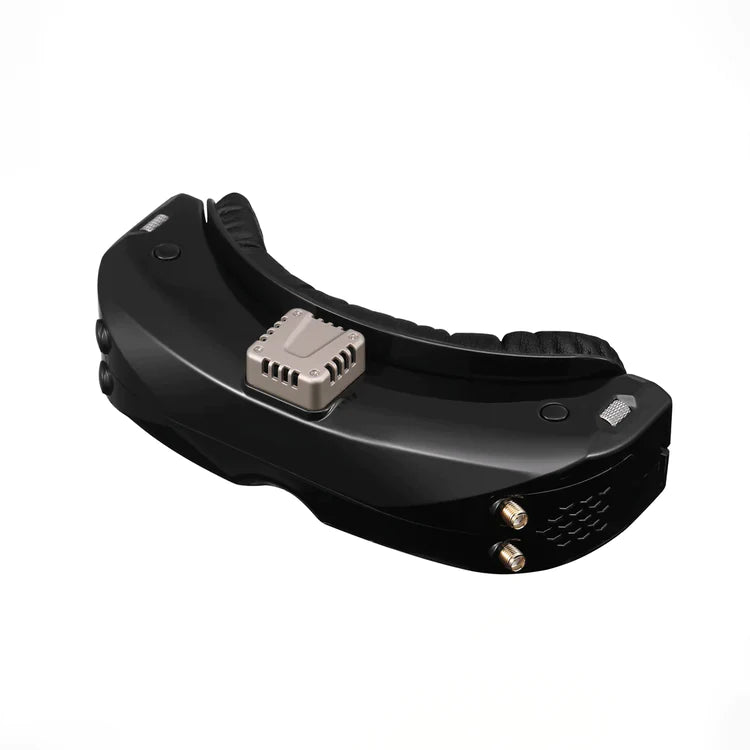
Match your video system
Choose by the video system on your aircraft, not by the headset’s looks. Below are three examples linking to individual product pages. For HDZero, Ascent or ArtLynk, check the exact transmitter and goggles model.
-
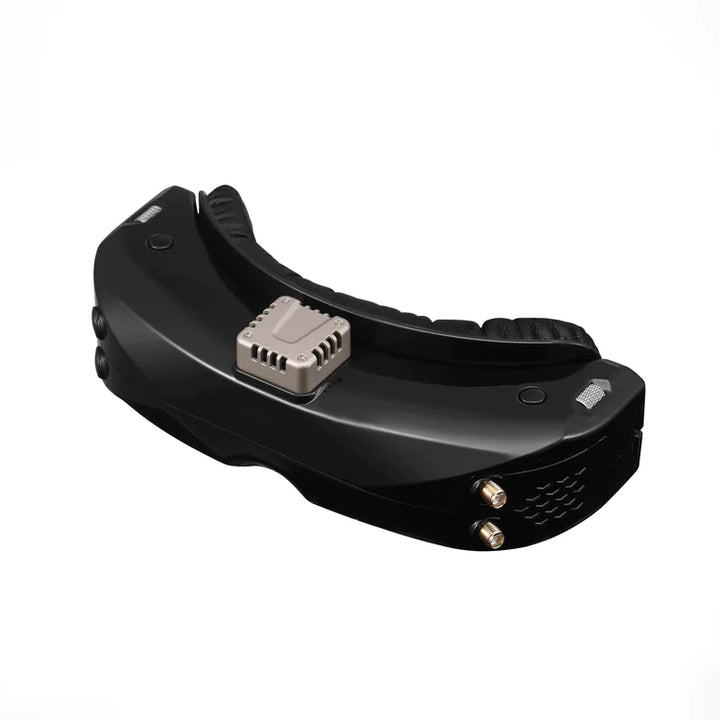
Skyzone SKY04O Pro 5.8 GHz analogue
Example: SKY04O Pro with a 5.8GHz receiver. Match the transmitter channel and antenna setup.
-
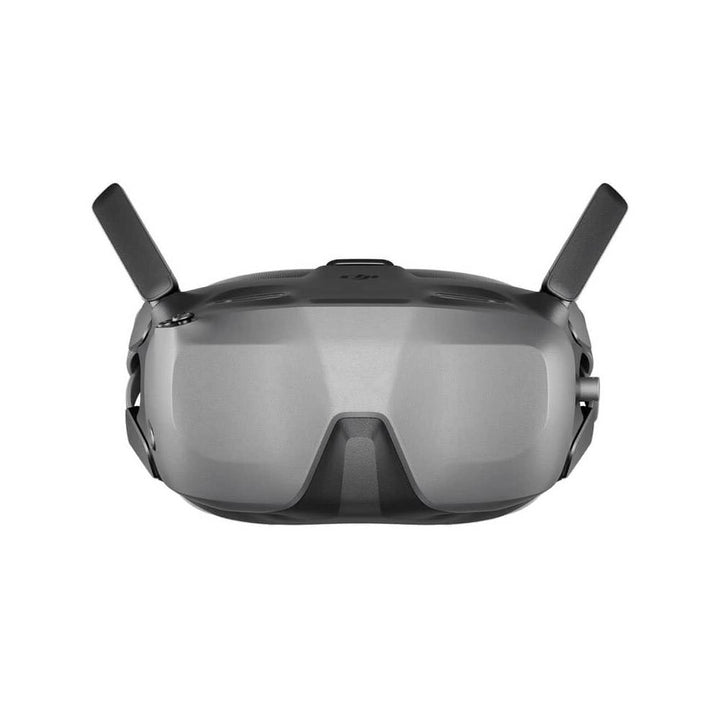
DJI Goggles N3 DJI O4
Example: Goggles N3. DJI lists O4 Air Unit Series support; N3 does not receive analogue video.
-
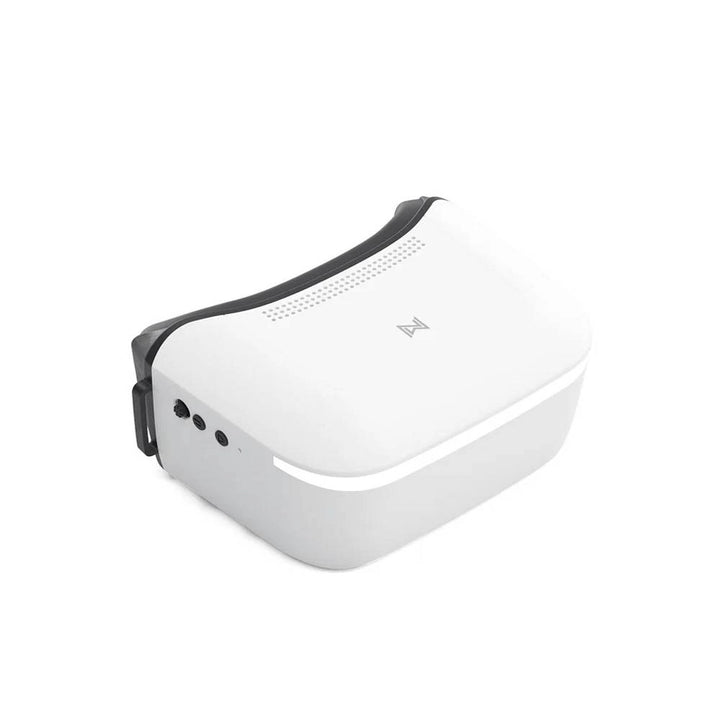
Walksnail Avatar Goggles L Walksnail Avatar HD
Example: Avatar Goggles L. Match the exact Avatar transmitter; do not choose by the Walksnail name alone.
From the goggles collection
-
DJI Goggles N3
Anbieter:DJINormaler Preis £227.77 GBPNormaler Preis -
 Ausverkauft
Emax Transporter 2 5.8Ghz FPV-Brille
Anbieter:EmaxNormaler Preis £89.99 GBPNormaler Preis -
FatShark Recon HD FPV-Brille
Anbieter:FatsharkNormaler Preis £234.00 GBPNormaler Preis -
 Ausverkauft
FatShark Echo Analog 5.8Ghz FPV Videobrille
Anbieter:FatsharkNormaler Preis £79.95 GBPNormaler Preis


These products follow the collection’s current order, not a best-buy ranking. Check the exact video system and current availability on each product page.
Before you buy FPV goggles
-
Identify the video system
Find the exact camera and video transmitter or air-unit model. Analogue, DJI, Walksnail Avatar and HDZero are different systems. A shared 5.8GHz frequency is not a compatibility guarantee.
-
Check the exact goggles model
Check the manufacturer’s compatibility list and required firmware. DJI lists Goggles N3 support for the O4 Air Unit Series and explicitly states that N3 does not support analogue video. Do not extend that support to another DJI air unit without checking.
-
Compare fit and optics
Check glasses clearance, focus adjustment and interpupillary distance where relevant. DJI says N3 accommodates personal glasses but has no IPD adjustment. Fit and light leakage still depend on the wearer.
-
Check power and box contents
Some goggles have an internal battery; others need an external supply. Check the exact listing for receiver modules, antennas, cables and battery requirements. A headset photograph is not a complete kit list.
Compatibility details: DJI Goggles N3
DJI lists Goggles N3 support for the O4 Air Unit Series. N3 does not support analogue video transmission. Check the exact air unit and required firmware before buying; do not assume support for another DJI air unit.
Sources and official documentation
FPV goggle questions
Will any FPV goggles work with my drone?
No. Match the video transmitter or air unit to the exact goggles model. The radio control receiver is a separate link; ELRS on a drone does not tell you which video goggles it needs.
Can DJI Goggles N3 receive analogue video?
No. DJI’s Goggles N3 FAQ explicitly says analogue video transmission is not supported.
Does a Walksnail name mean Avatar compatibility?
Do not assume it does. Caddx lists Avatar and Ascent as separate product ranges. Identify the exact transmitter and check the manufacturer’s compatibility information before buying.
Further reading: FPV goggles comparison in our Knowledge Base.
Know which video system you need?
Shop the full goggles collection